Artificial Intelligence has completely transformed digital creativity. Today, anyone can generate high-quality images simply by describing an idea in text. Whether you want a realistic portrait, a fantasy landscape, anime artwork, product mockups, logos, YouTube thumbnails, or social media graphics, modern AI image generators can create them in seconds.
The best part? You no longer need advanced Photoshop skills or years of graphic design experience. With the right prompt and the right AI platform, you can generate professional-quality images for free.
This guide will teach you everything you need to know about AI image generation, including how it works, which free platforms are worth using, and how to write prompts that produce outstanding results.
What Is an AI Image Generator?
An AI image generator is a tool that converts a written description (called a prompt) into an image using artificial intelligence.
Instead of drawing manually, you simply describe the image you want. For example:
“A futuristic cyberpunk city at sunset with flying cars, cinematic lighting, ultra realistic, 8K.”
Within seconds, the AI analyzes your request and creates a completely new image based on your description.
Modern AI models understand:
- Objects
- People
- Animals
- Colors
- Lighting
- Camera angles
- Art styles
- Photography
- Composition
- Depth
- Perspective
- Textures
This makes AI one of the most powerful creative tools available today.
How Does AI Image Generation Work?
Although the technology behind AI image generation is complex, the process is surprisingly simple for users.
Step 1 – You Write a Prompt
Example:
A modern gaming room with RGB lighting, dual monitors, neon colors, cinematic atmosphere.
Step 2 – AI Understands the Prompt
The AI analyzes:
- Subject
- Environment
- Colors
- Lighting
- Style
- Camera Position
- Details
- Mood
Step 3 – Image Creation
Within a few seconds, the AI generates one or more completely original images.
Why Is AI Image Generation Becoming So Popular?
AI image generation is growing rapidly because it saves both time and money while unlocking new creative possibilities.
Some of the biggest benefits include:
- No graphic design experience required
- High-quality images in seconds
- Unlimited creative ideas
- Saves design costs
- Great for businesses
- Perfect for bloggers
- Ideal for YouTube creators
- Useful for students and educators
- Helpful for marketers
- Excellent for social media content
Best Free AI Image Generator Websites
Below are some of the most popular platforms that allow users to generate AI images for free. Each has different strengths depending on your goals.
1. ChatGPT (GPT Image Generation)
Best For
- Realistic Images
- Product Photography
- Logos
- Blog Images
- Posters
- Social Media
- Thumbnails
Advantages
- Excellent prompt understanding
- High-quality realistic images
- Fast generation
- Easy editing through conversation
- Great for beginners
Limitations
- Free usage may include limits depending on your plan.
2. Microsoft Designer (Image Creator)
Best For
- Social Media
- Posters
- Digital Art
- Marketing Graphics
Advantages
- Beginner-friendly
- Fast generation
- High-quality artwork
- Free credits available
3. Adobe Firefly
Best For
- Commercial Graphics
- Marketing
- Product Design
- Background Creation
Advantages
- Professional quality
- Commercial-friendly features
- Excellent text effects
- Easy editing
4. Canva AI Image Generator
Best For
- Instagram Posts
- Facebook Graphics
- Presentations
- Blog Images
Advantages
- Built directly into Canva
- Easy drag-and-drop editing
- Huge template library
- Great for beginners
5. Leonardo AI
Best For
- Game Assets
- Character Design
- Concept Art
- Fantasy Artwork
Advantages
- High detail
- Multiple AI models
- Excellent prompt control
- Free daily tokens
6. Playground AI
Best For
- Realistic Photography
- Posters
- Fashion
- Architecture
- Product Images
Advantages
- Large number of free generations
- Easy interface
- High-quality outputs
- Supports multiple styles
Comparison Table
| Platform | Best For | Free Plan | Beginner Friendly |
|---|---|---|---|
| ChatGPT | Realistic Images | Yes (usage limits may apply) | ⭐⭐⭐⭐⭐ |
| Microsoft Designer | General Images | Yes | ⭐⭐⭐⭐⭐ |
| Adobe Firefly | Commercial Design | Yes | ⭐⭐⭐⭐ |
| Canva AI | Social Media | Yes | ⭐⭐⭐⭐⭐ |
| Leonardo AI | Characters & Games | Yes | ⭐⭐⭐⭐ |
| Playground AI | Realistic Photos | Yes | ⭐⭐⭐⭐ |
Which Platform Should You Choose?
The answer depends on what you want to create.
- If you need realistic AI photos, ChatGPT and Playground AI are excellent choices.
- If you’re designing social media graphics, Canva AI is one of the easiest platforms to use.
- For fantasy art and game characters, Leonardo AI offers advanced creative controls.
- If your focus is marketing and commercial visuals, Adobe Firefly provides professional tools.
- Microsoft Designer is a great all-around option for beginners who want quick results.
Tips Before You Start Generating AI Images
Before creating your first image, keep these best practices in mind:
- Be as specific as possible in your prompt.
- Mention the subject clearly.
- Include the background or environment.
- Describe the lighting (golden hour, cinematic, studio, neon, etc.).
- Specify the camera angle if needed.
- Mention the desired style (realistic, watercolor, anime, oil painting, 3D, pixel art, etc.).
- Add quality terms like ultra detailed, 8K, photorealistic, or highly detailed when appropriate.
The better your prompt, the better your AI-generated image will be.
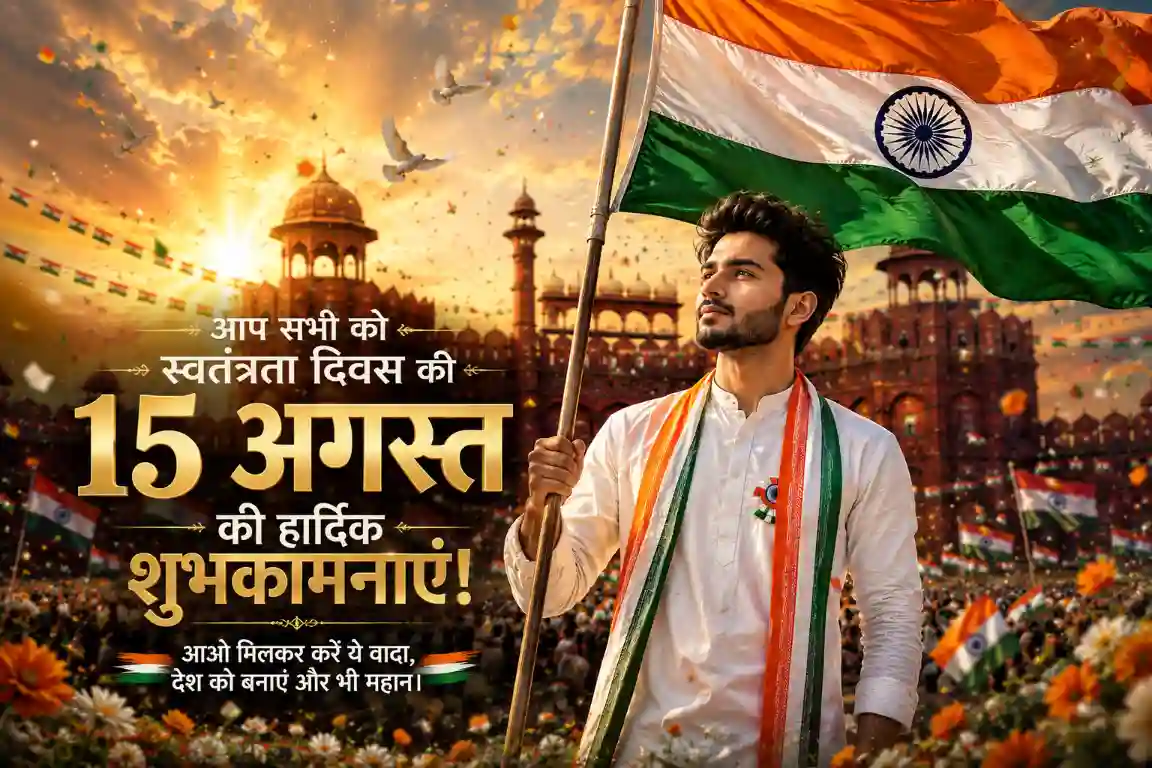
Use the uploaded photo as the face reference only. Preserve the person's facial identity, hairstyle, skin tone, facial structure, and natural expression with high accuracy.<br>Create a premium Indian Independence Day 2026 poster. The uploaded person's face should be seamlessly integrated into the scene while maintaining a realistic appearance.<br>The person is standing confidently in front of the Red Fort, proudly holding the Indian National Flag. They are wearing elegant white traditional attire with subtle saffron, white, and green accents.<br>The background should be grand and cinematic, featuring the Red Fort, a beautiful sunrise, dramatic clouds, flying pigeons, flower petals, patriotic decorations, and thousands of waving Indian flags. Add realistic lighting, atmospheric depth, soft golden sunlight, and a premium 8K DSLR photography look.<br>Display the user's name:<br>"Happy Independence Day, [USER_NAME]"<br>in elegant golden typography near the bottom of the poster.<br>Style: Ultra realistic, HDR, masterpiece, cinematic composition, 85mm lens, shallow depth of field, professional color grading, ultra detailed, premium poster, 8K.